
Your voice. Your apps. No subscription.
Free, open source dictation for macOS and Windows. Hold a key, speak naturally, release, and your words land where your cursor is.
Try the gesture
Hold fn below, then let go. That is the whole gesture.
A demo with sample sentences. It never asks for your microphone.
One shortcut. Two engines.
Groq when you want speed, Whisper on your own computer when you want offline. Switch in the app, keep the same key. While you are still speaking, Yap already prepares the connection.
| Groq cloud | Local Whisper | |
|---|---|---|
| What you need | Your own Groq account and API key | Whisper Base or Small, downloaded once |
| Model | Whisper Large v3 or Large v3 Turbo | Whisper Base or Small on your computer |
| Where your audio goes | Directly to Groq | Nowhere. It stays on your computer |
| Cost | Groq's free tier within its limits, paid plans can incur charges | No API bill for transcription |
Optional cloud polishing cleans up the text through Groq. It sends the transcript and your style instructions to Groq, also when you transcribe locally.
Yap itself costs nothing.
Every feature is included. No Yap subscription, no paid feature gate, no Yap account. Read the code, change it, redistribute it under the MIT license.
Your words, your style.
Conversation and coding styles, custom instructions, a personal dictionary and per-app rules. Your clipboard is restored after each paste, and the app shows how long transcription, cleanup and delivery took.
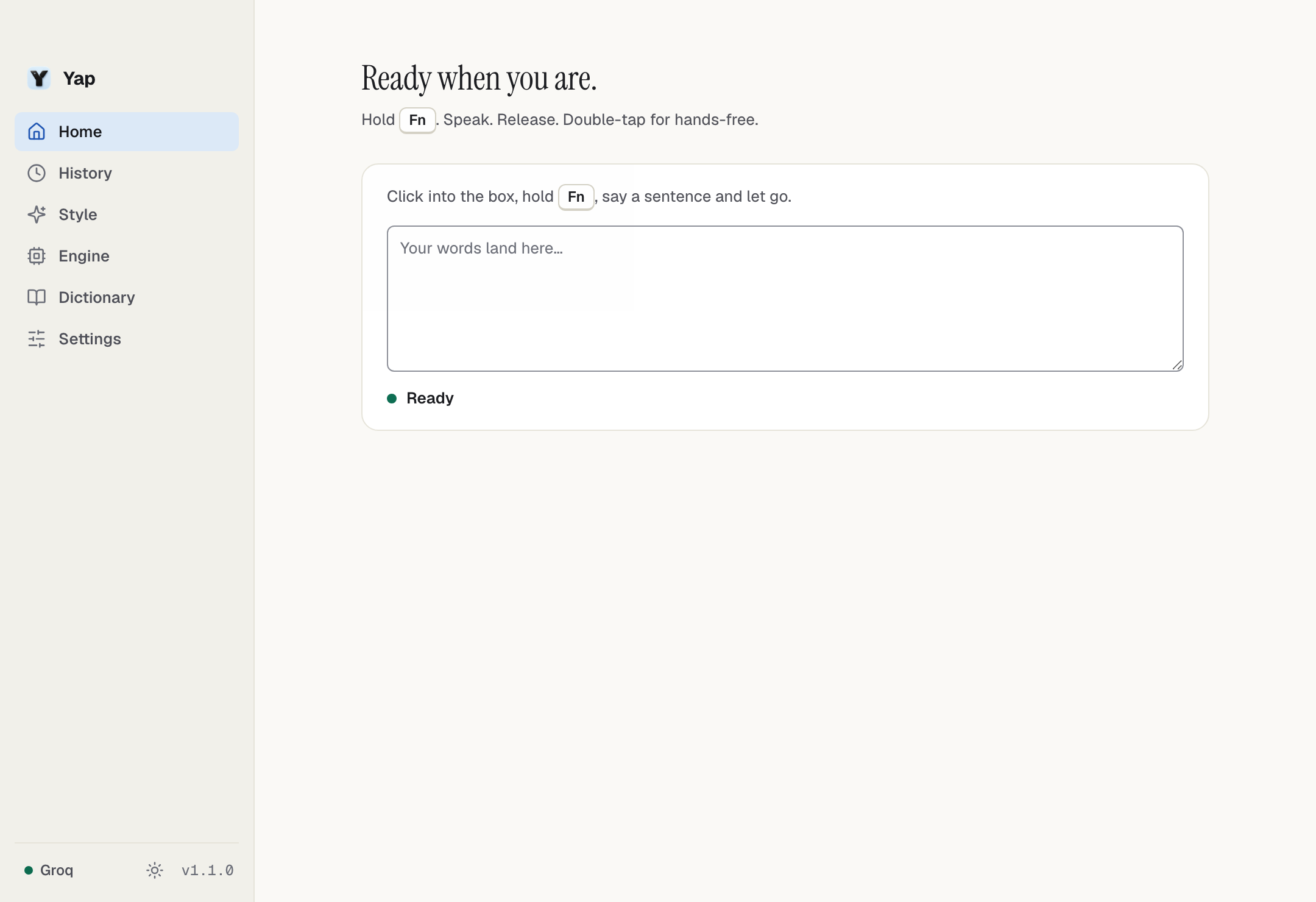
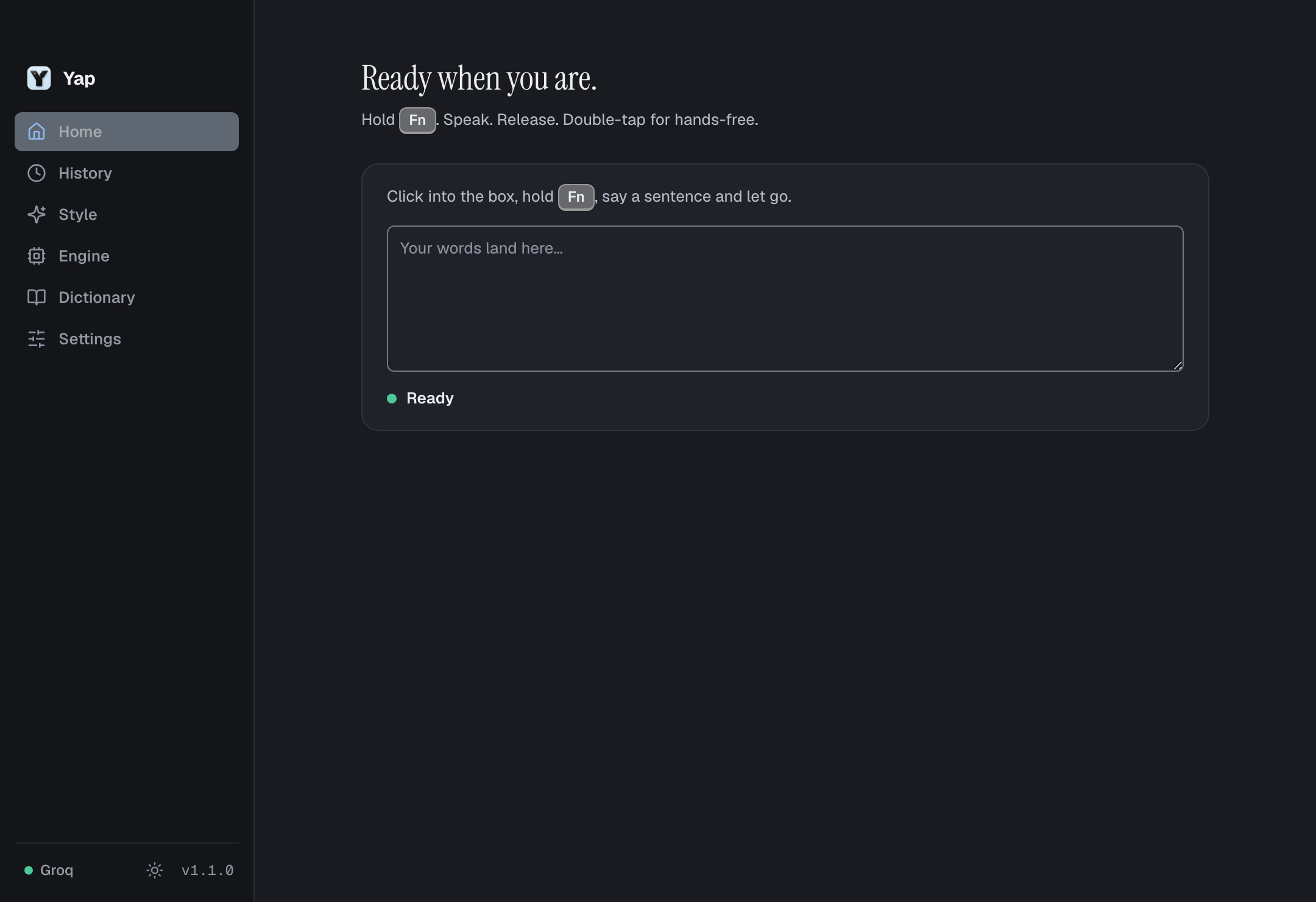
The real app with a clean demo profile.
Run Yap today.
The first notarized installers for Apple Silicon Macs, Intel Macs and Windows are being prepared and will appear on GitHub Releases. Until then, Yap runs from source.
You need Node.js 22 and Git. macOS needs the Xcode Command Line Tools, Windows needs Visual Studio Build Tools with the C++ workload. A setup wizard then walks you through engine, permissions and your shortcut.
Read the setup guide$ git clone https://github.com/nicremo/yap.git
$ cd yap
$ npm ci
$ npm run build:native
$ npm run devQuestions and answers.
Is Yap really free?
Yes. The app costs nothing and is MIT licensed. Groq mode uses your own Groq API key, which can run on Groq's free tier within its limits; paid Groq plans can incur charges. Local Whisper has no API bill.
Does my audio leave my computer?
Only when you choose Groq: then the audio goes directly to Groq. With local Whisper and cloud polishing turned off, dictation stays on your computer after the one-time model download.
Which systems does Yap run on?
macOS and Windows. The interface is available in English and German, with light, dark and system appearance. The dictation language is set separately.
Is Yap affiliated with Wispr Flow?
No. Yap is an independent project, not affiliated with Wispr Flow, Superwhisper or Groq. It offers the core desktop dictation workflow, not feature-for-feature parity with every other product.